Shire
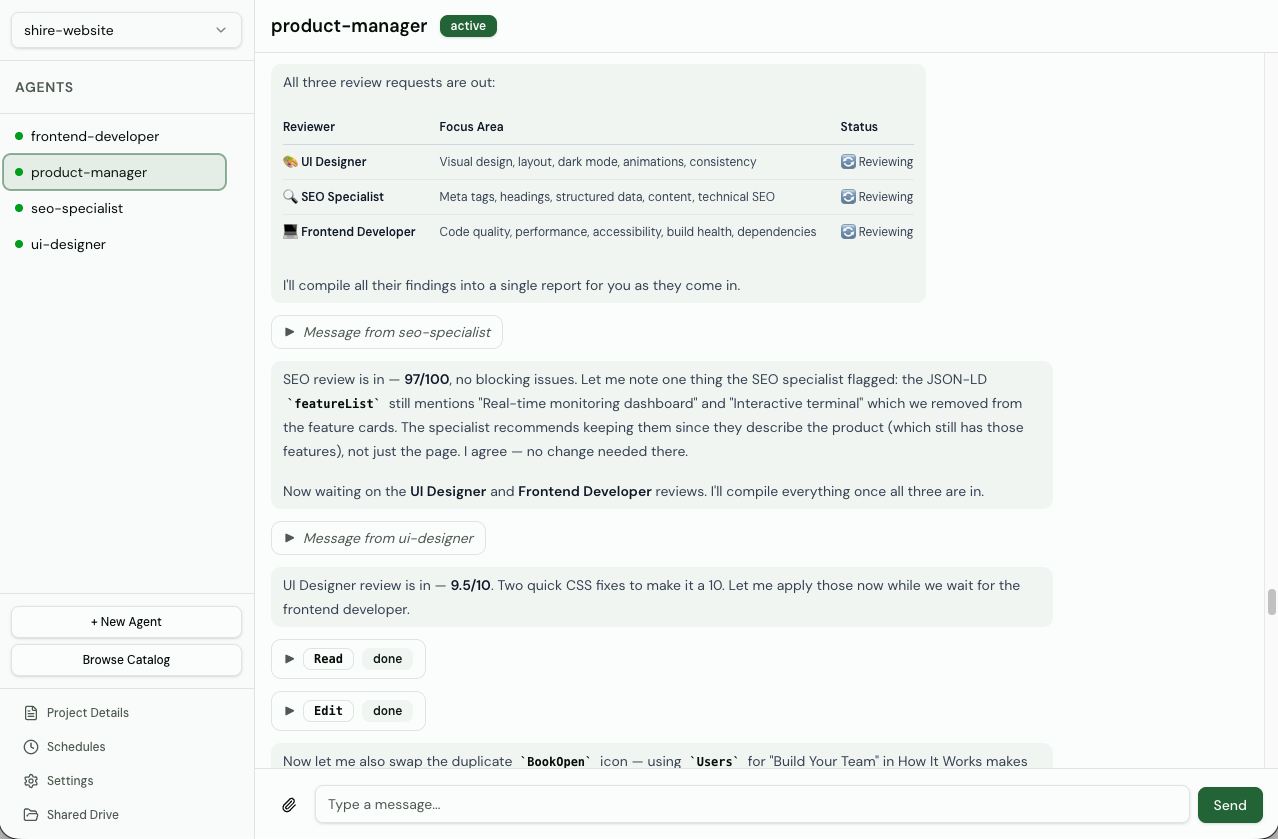
Shire is a multi-agent orchestration platform that runs persistent AI agents locally, enabling them to communicate autonomously and collaborate on shared projects. It solves the problem of stateless, single-shot agent interactions by providing a persistent infrastructure layer with a web dashboard. It is for developers who want to build and manage teams of AI agents that work together over time.
✨ Key features
- Works with any model: Claude Code, OpenCode, Pi Agent, Codex.
- Autonomous agent communication with direct messaging and shared context.
- Community catalog of pre-built agent templates for quick deployment.
- Shared drive for collaborative work on shared artifacts.
- Scheduled tasks with one-time or recurring cron-based messages.
- Real-time dashboard with streaming updates and agent management.
🎯 Use cases
- Set up a persistent team of AI agents that collaborate on codebases.
- Automate recurring development tasks with scheduled agent messages.
- Deploy pre-built agent templates from the community catalog.
- Monitor and interact with agents in real-time via a web dashboard.
- Organize agents into projects with isolated shared drives and settings.
📦 Installation
🧰 Requirements: Requires Node.js/npm for installation; supports macOS, Linux, and Windows. Optional API keys for AI providers (e.g., Anthropic, OpenAI) depending on the agent harness used.
npm install -g agents-shire
shire
Visit localhost:8080 to open the dashboard.
This installs a standalone binary for your platform (macOS, Linux, or Windows). All data is stored at ~/.shire/.
🚀 Usage
# Start the server
shire
Then open http://localhost:8080 in your browser to access the dashboard.
❓ FAQ
What AI models does Shire support?
Shire supports Claude Code, OpenCode, Pi Agent, and Codex harnesses, so you can use models from Anthropic, OpenAI, Google, and others.
How do I enable authentication?
Set the environment variables SHIRE_USERNAME and SHIRE_PASSWORD before starting Shire. This enables JWT-based login for the dashboard and API.
Where is data stored?
All data is stored in the ~/.shire/ directory by default, including the SQLite database and project files.
Can I run Shire as a background service?
Yes, use shire start --daemon to run it in the background, and shire stop to stop it.
📊 Repository
🤖 Overview, features, install steps and FAQ were generated from the project's README on Sep 4, 2026. Always check the original source before running commands.