OpenHuman
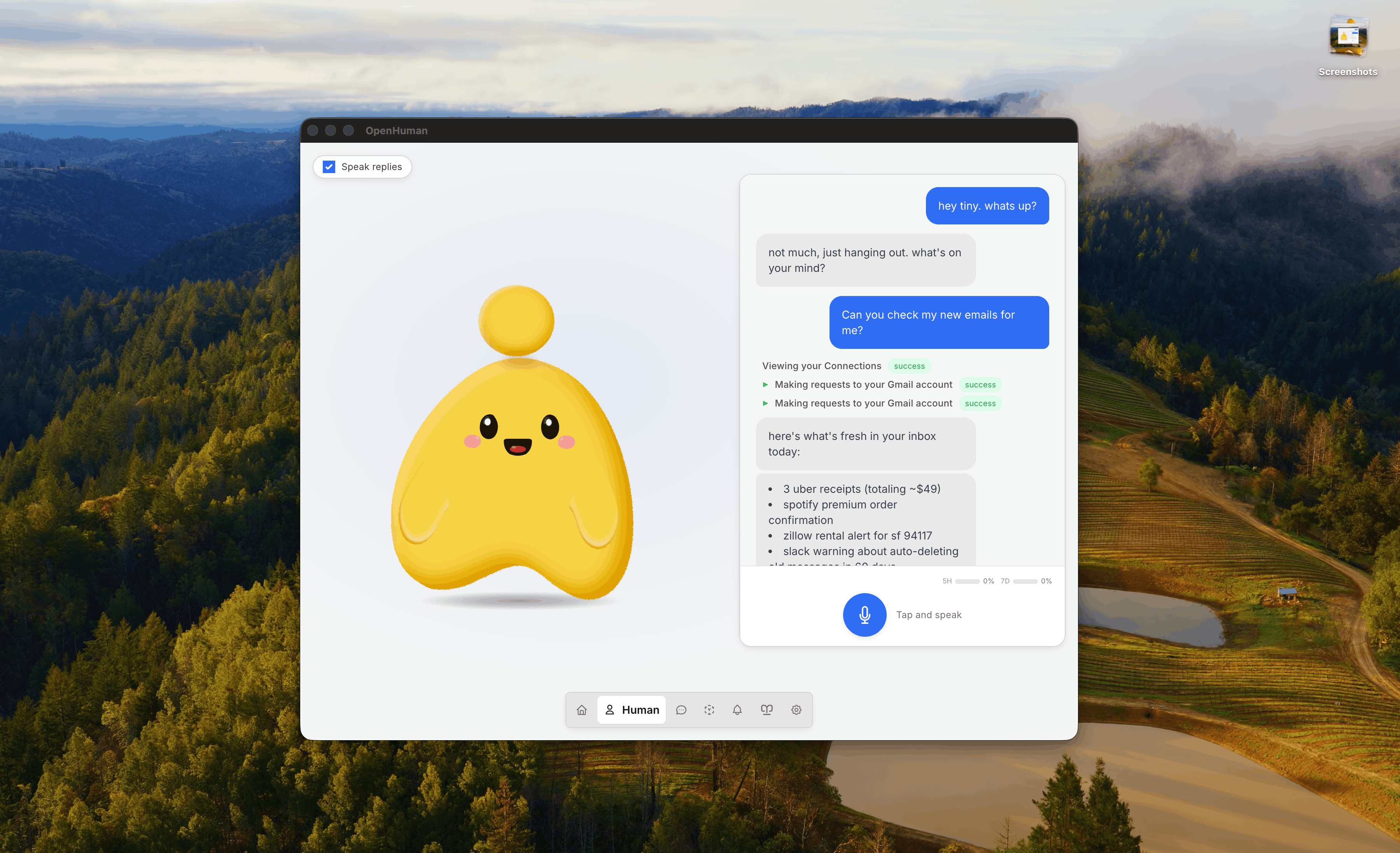
OpenHuman is a local-first AI assistant that combines persistent memory, agent orchestration, and deep research. It solves the problem of AI assistants lacking long-term context and the ability to coordinate multiple agents. It is for developers and power users who want a private, extensible AI that integrates with their tools and data.
✨ Key features
- Persistent local memory via Memory Trees and Obsidian vault
- 100+ OAuth integrations, 5,000+ MCP servers, 90,000+ Skills
- Agent orchestration with checkpointed graphs and sub-agent fleets
- Visual, durable workflows with approval gates
- Built-in web search, browser, voice, and media generation
- 17 messaging channels including native email
🎯 Use cases
- Automating complex workflows across multiple tools and agents
- Building a personal knowledge base that the AI can query
- Deep research across your data and the web
- Orchestrating other AI agents (Claude Code, Codex, etc.)
- Running a private AI assistant with local-only mode
📦 Installation
🧰 Requirements: Desktop app for Windows, macOS, or Linux; optional subscription for managed services; can use local models or BYO API keys.
Download installers from tinyhumans.ai/openhuman or from the GitHub Releases page.
For terminal installs (Homebrew, Debian/Ubuntu .deb, AUR, install scripts, and platform notes), see INSTALL.md.
🚀 Usage
After installation, launch the app and follow the onboarding to connect accounts and start using the assistant. For developers, see the contributing section for running from source.
⚠️ Good to know
Early Beta: under active development, expect rough edges. Not AGI.
❓ FAQ
Is OpenHuman open-source?
Yes, it is open-source under the GNU license.
Can I use my own AI models?
Yes, you can point any workload at your own provider key or a fully local Ollama model.
How does memory work?
OpenHuman compresses your data into Markdown trees stored in SQLite, mirrored as an Obsidian vault you can edit.
Does it require a subscription?
A subscription is default for managed services, but not a lock-in; you can use your own keys or local models.
📊 Repository
🤖 Overview, features, install steps and FAQ were generated from the project's README on Sep 4, 2026. Always check the original source before running commands.