Hivekeep
Hivekeep is a self-hosted platform of persistent AI agents that remember, collaborate, and answer you everywhere, in a single container. It solves the problem of disposable AI conversations by providing a team of agents with long-term memory and multi-channel access. It is for developers and individuals who want a private, extensible AI assistant team on their own infrastructure.
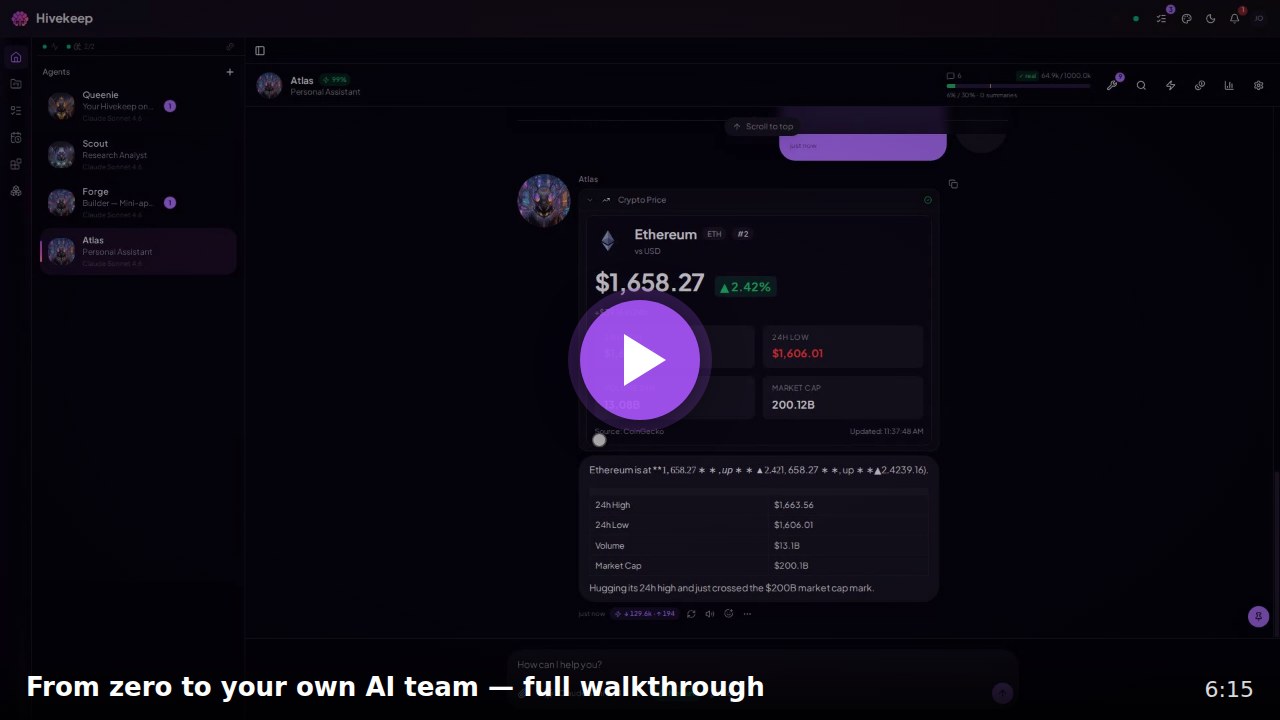
✨ Key features
- Persistent agents with one continuous session and hybrid long-term memory.
- Multi-agent collaboration with request/reply, delegation, and scheduled tasks.
- Self-improving agents that build custom tools, mini-apps, and plugins.
- Native channels: Telegram, Discord, Slack, WhatsApp, Signal, Matrix, and PWA.
- Single container with SQLite, no external services like Postgres or Redis.
- AES-256-GCM vault for secrets, never exposed to the LLM.
🎯 Use cases
- Build a DevOps copilot that monitors infrastructure and responds to incidents.
- Create a home automation brain that controls smart devices via Home Assistant.
- Set up a personal research assistant that synthesizes literature and fact-checks.
- Deploy a multi-agent dispatcher team for customer support or task routing.
- Run a family assistant that manages calendars, reminders, and grocery lists.
📦 Installation
🧰 Requirements: Requires a server with x86-64 or ARM64 CPU, ~512 MB RAM, ~1 GB disk, and an LLM API key (e.g., Anthropic, OpenAI) or a local OpenAI-compatible endpoint.
Native install (recommended)
curl -fsSL https://raw.githubusercontent.com/MarlBurroW/hivekeep/main/install.sh | bash
The script installs Bun if needed, clones the repo, builds the frontend, runs migrations, creates a system service (systemd or launchd), and starts Hivekeep on port 3000. It preflights disk, RAM, ports, and connectivity, and rolls back cleanly on failure.
Then open http://localhost:3000 and Queenie takes it from there: three quick screens, then she configures everything by conversation.
Docker (alternative)
docker run -d \
  --name hivekeep \
  -p 3000:3000 \
  -v hivekeep-data:/app/data \
  ghcr.io/marlburrow/hivekeep:latest
This path requires the published container image. If the pull fails with
manifest unknownor a403, the image is not public yet, use the native installer above (it builds locally and needs no registry image), or build from source. See the install docs for the Docker Compose path and reverse-proxy setup. The installer also offers a hardened Docker mode:bash <(curl -fsSL .../install.sh) --docker.
🚀 Usage
After installation, open http://localhost:3000 in your browser. Follow the three onboarding screens (identity, language, LLM key). Then Queenie, the configurator agent, will guide you through connecting providers and creating your first agents via conversation. No YAML or CLI needed.
⚠️ Good to know
Hivekeep is production-ready for individual and small-group use, but the project is about 80% mature with known rough edges as per the roadmap.
❓ FAQ
What are the hardware requirements?
Minimum 1 core CPU, ~512 MB RAM, ~1 GB disk; comfortable is 2 cores, 1 GB+ RAM, a few GB disk. No GPU needed.
Does Hivekeep run the AI models itself?
No, it calls your provider (Anthropic, OpenAI, etc.) or a local OpenAI-compatible endpoint, so inference cost is external.
How do I back up my secrets?
Back up the encryption key at data/.encryption-key or the entire data/ directory, otherwise you lose access to encrypted secrets.
Can I use local models?
Yes, via the OpenAI-compatible connector for LLMs, embeddings, and tools, with automatic prompt-based fallback for models lacking native tool calling.
📊 Repository
🤖 Overview, features, install steps and FAQ were generated from the project's README on Sep 4, 2026. Always check the original source before running commands.