OpenCode
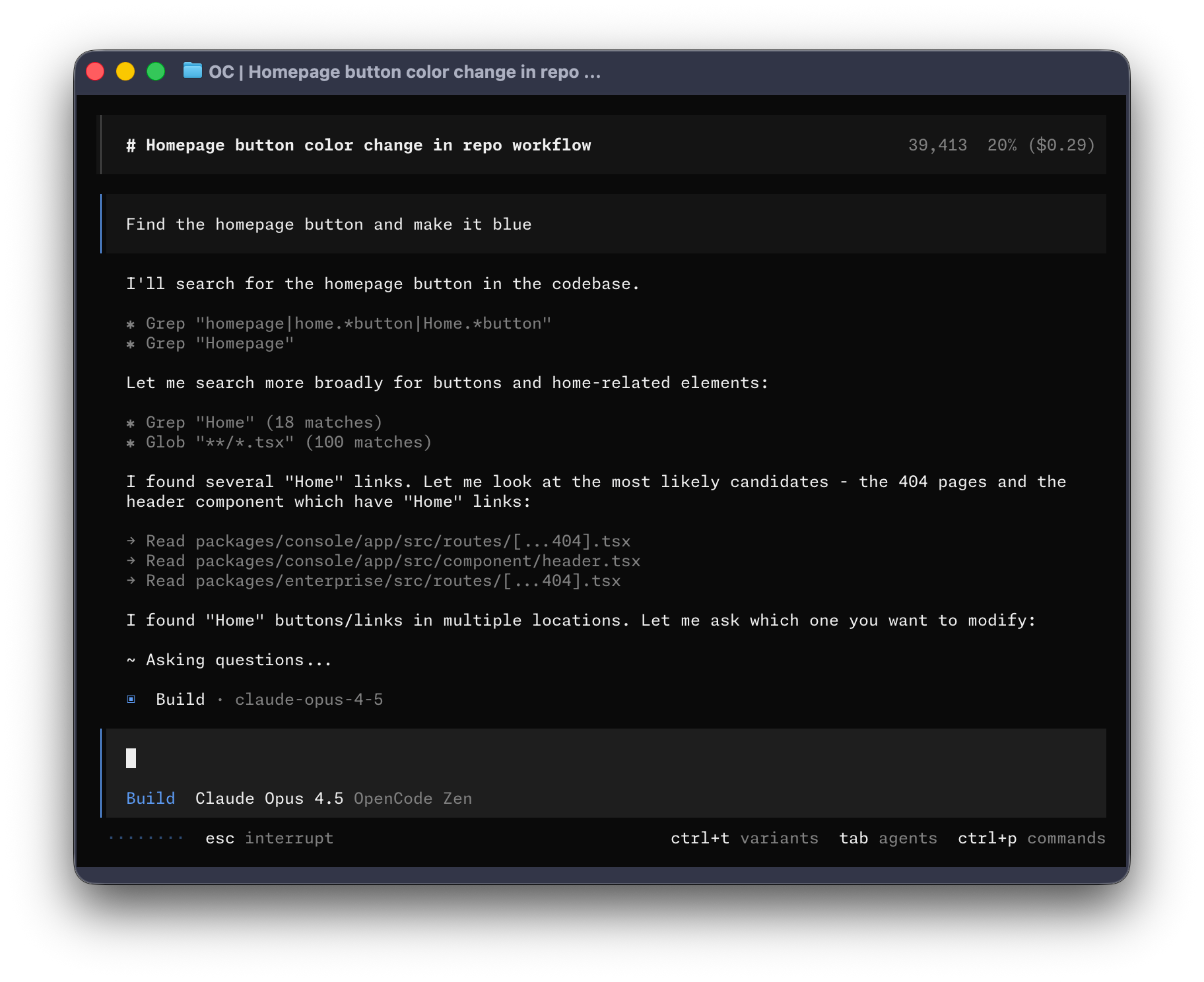
OpenCode is an open-source AI coding agent that runs in your terminal and desktop, helping developers write, analyze, and plan code changes. It solves the problem of integrating AI assistance into development workflows by providing a full-access build agent and a read-only plan agent. It is for developers who want an AI pair programmer that can edit files, run commands, and explore codebases.

🎬 Opencode Is Probably The Best Coding Agent I've Ever Used · DevOps Toolbox
✨ Key features
- Two built-in agents: build (full-access) and plan (read-only)
- Switch between agents with the Tab key
- Includes a general subagent for complex searches
- Installable via multiple package managers and scripts
- Desktop app available for macOS, Windows, and Linux
- Configurable installation directory via environment variables
🎯 Use cases
- Automate coding tasks with the build agent that can edit files and run commands
- Explore unfamiliar codebases safely with the read-only plan agent
- Plan changes or refactors without modifying files
- Perform complex searches and multistep tasks using the general subagent
📦 Installation
🧰 Requirements: Requires a terminal (macOS, Linux, Windows) or desktop environment; no API keys mentioned in the README.
curl -fsSL https://opencode.ai/install | bashnpm i -g opencode-ai@latest # or bun/pnpm/yarn
scoop install opencode # Windows
choco install opencode # Windows
brew install anomalyco/tap/opencode # macOS and Linux (recommended, always up to date)
brew install opencode # macOS and Linux (official brew formula, updated less)
sudo pacman -S opencode # Arch Linux (Stable)
paru -S opencode-bin # Arch Linux (Latest from AUR)
mise use -g opencode # Any OS
nix run nixpkgs#opencode # or github:anomalyco/opencode for latest dev branch[!TIP] Remove versions older than 0.1.x before installing.
Desktop App (BETA)
OpenCode is also available as a desktop application. Download directly from the releases page or opencode.ai/download.
| Platform | Download |
|---|---|
| macOS (Apple Silicon) | opencode-desktop-mac-arm64.dmg |
| macOS (Intel) | opencode-desktop-mac-x64.dmg |
🚀 Usage
# After installation, run opencode in your terminal
opencode
Switch between agents with the Tab key. Use @general to invoke the general subagent in messages.
❓ FAQ
What are the two built-in agents and how do they differ?
The build agent is the default full-access agent for development work, while the plan agent is read-only, denies file edits by default, and asks permission before running bash commands.
How do I switch between agents?
You can switch between the build and plan agents by pressing the Tab key.
How can I install OpenCode on macOS?
You can use Homebrew: brew install anomalyco/tap/opencode (recommended) or brew install opencode (official formula).
Is there a desktop app available?
Yes, a desktop app is in beta and can be downloaded from the releases page or via Homebrew cask or Scoop.
📊 Repository
🤖 Overview, features, install steps and FAQ were generated from the project's README on Sep 4, 2026. Always check the original source before running commands.