OpenAgent
OpenAgent is an open-source personal AI assistant that combines LLMs, RAG, and autonomous agent loops into a self-hostable platform. It solves the problem of managing multiple AI capabilities by providing a single binary that supports computer-use, browser-use, and coding agents. It is for developers and organizations that want a customizable, private AI assistant with extensive tool integration.
✨ Key features
- Supports 30+ model providers including OpenAI, Anthropic, Google, and more.
- Autonomous agent loops with browser-use, web search, shell execution, and MCP integration.
- RAG knowledge base with document ingestion and semantic search.
- Visual workflow builder with conditional and parallel execution.
- Single binary with native Windows support, no installation required.
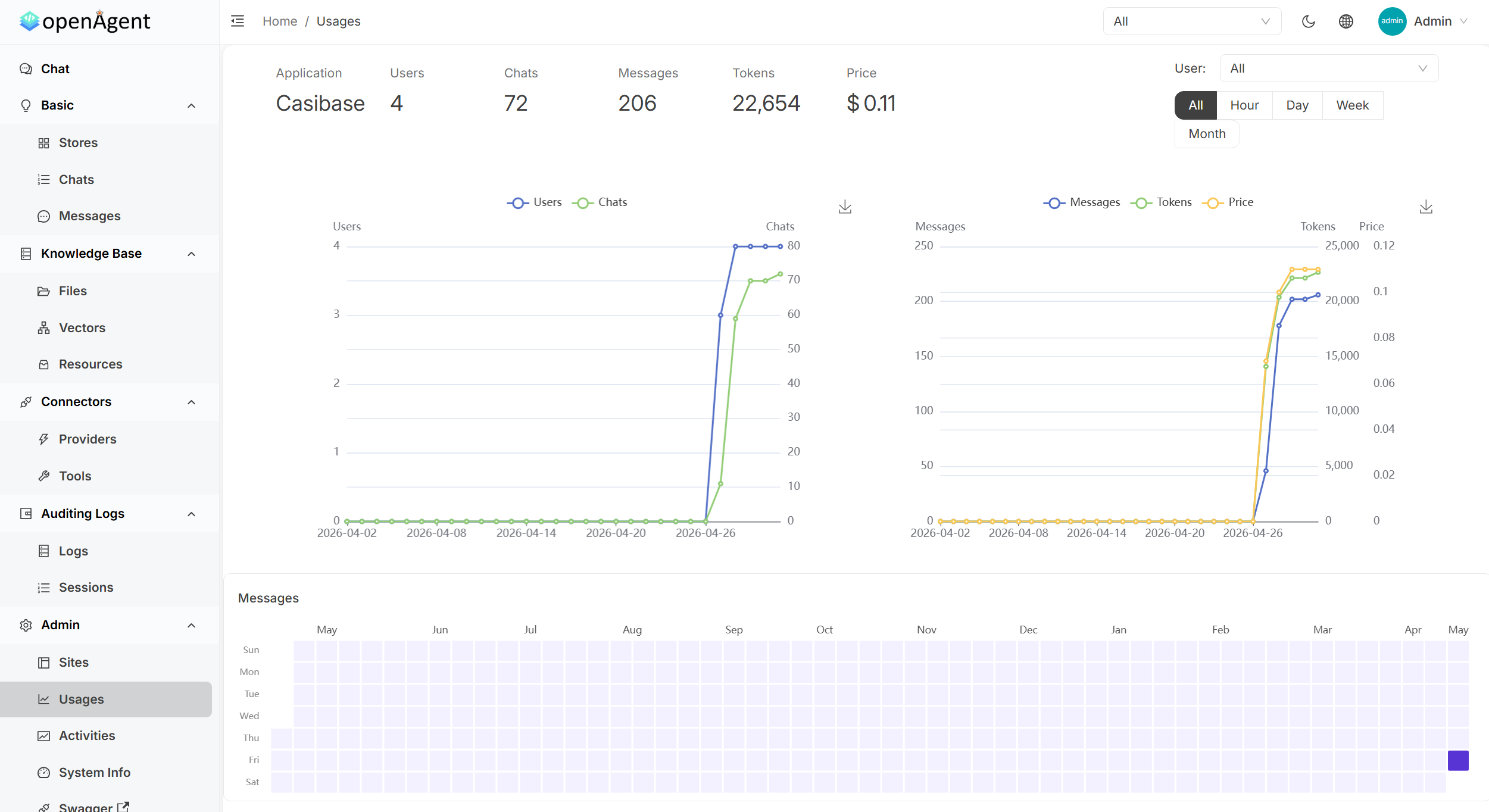
- Admin dashboard with usage analytics, activity monitoring, and tool management.
🎯 Use cases
- Build a personal AI assistant that can browse the web and execute code.
- Create a RAG-powered chatbot over your own documents.
- Automate multi-step workflows with conditional logic and scheduling.
- Integrate MCP-compatible tools into an agent loop for custom automation.
- Deploy a multi-tenant AI platform with SSO and audit logs.
📦 Installation
🧰 Requirements: Runs on Linux, macOS, or Windows (x86_64/arm64). No runtime dependencies; optional Go 1.25+ and Node.js 20+ for building from source.
Quick Start
macOS / Linux / WSL
curl -fsSL https://raw.githubusercontent.com/the-open-agent/openagent/master/scripts/install.sh | bash
Windows (PowerShell)
irm https://raw.githubusercontent.com/the-open-agent/openagent/master/scripts/install.ps1 | iex
Open http://localhost:14000.
Build from source
Prerequisites: Go 1.25.0+, Node.js 20+, Yarn 1.x
go buildcd web && yarn install && yarn startDocker
docker-compose up
🚀 Usage
After installation, open http://localhost:14000 in your browser to access the OpenAgent interface. No further setup is required for the basic demo.
❓ FAQ
What operating systems are supported?
Pre-built binaries are available for Linux, macOS, and Windows (x86_64/arm64). Windows runs natively without WSL or Docker.
How do I install OpenAgent?
Use the provided curl script for macOS/Linux/WSL or the PowerShell script for Windows. Alternatively, build from source or use Docker.
Can I use my own LLM provider?
Yes, OpenAgent supports 30+ model providers including OpenAI, Anthropic, Google, and local models via Ollama.
Is there a demo available?
Yes, there is a live demo at https://demo.openagentai.org and a playground at https://try.openagentai.org.
📊 Repository
🤖 Overview, features, install steps and FAQ were generated from the project's README on Sep 4, 2026. Always check the original source before running commands.