BitFun
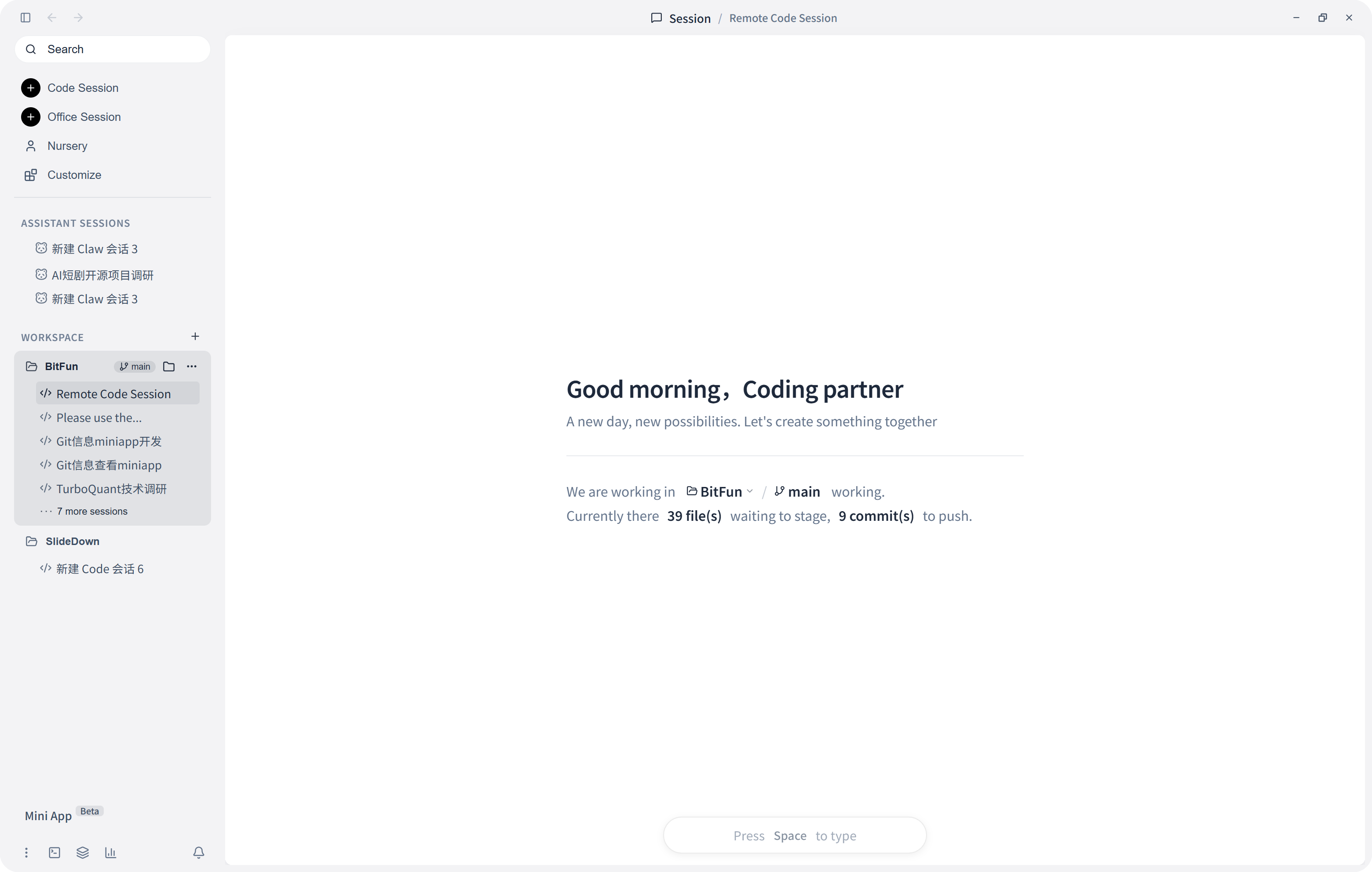
BitFun is a desktop AI agent that turns tasks into interactive apps, capable of coding, document production, and desktop automation. It features agentic Mini Apps, self-hosted multi-device control, and a Rust runtime, targeting developers and power users seeking a customizable, model-agnostic AI assistant.
✨ Key features
- Agentic Mini Apps with live UI state
- Self-hosted multi-device sync and control
- Coding in real Git repositories
- Office work: research, writing, presentations
- Desktop execution: browser, terminal, apps
- Four tiers of customization: Agents to source
🎯 Use cases
- Automate complex coding tasks in real repositories
- Generate office deliverables from source material
- Control desktop apps and browsers via AI
- Build custom domain-specific tools with Mini Apps
- Run long-horizon tasks with agentic planning
📦 Installation
🧰 Requirements: Requires Node.js 22.12+, pnpm 10.15.0, Rust toolchain, and Tauri prerequisites for source builds; prebuilt installers available for macOS, Windows, Linux.
Download a build
Grab the latest installer from Releases, install it, configure your model, and you are ready to go.
Or run from source:
pnpm install
pnpm run desktop:dev
Prerequisites: Node.js 22.12+ (LTS recommended), pnpm 10.15.0 via Corepack, the Rust toolchain, and the Tauri prerequisites. More detail in CONTRIBUTING.md.
🚀 Usage
First run
- Launch BitFun, click Open on the Welcome tab, and choose a project folder.
- Open More options (…) → Settings → Models → Create First Configuration.
- Choose a provider, enter its API key, select one or more models, and click Save. BitFun makes the first saved model primary and tests the connection automatically.
- Return to the Session tab, type a concrete task, and press Enter or click Send.
⚠️ Good to know
The project is spare-time exploration, not commercial; initial benchmark results are single-run and may fluctuate.
❓ FAQ
What are the system requirements?
For source builds, you need Node.js 22.12+, pnpm 10.15.0, Rust toolchain, and Tauri prerequisites. Prebuilt installers are available for macOS, Windows, and Linux.
How do I configure a model?
Go to Settings → Models → Create First Configuration, choose a provider, enter API key, select models, and save. The first saved model becomes primary and is tested automatically.
Can I use BitFun without a vendor cloud?
Yes, self-hosted multi-device control runs through a relay you deploy, with zero-knowledge architecture; no vendor cloud is in the path.
What customization options exist?
Four tiers: custom Agents, MCP/Skills/Hooks, Mini Apps, and source-level changes. You can extend BitFun using BitFun's Code Agent.
📊 Repository
🤖 Overview, features, install steps and FAQ were generated from the project's README on Sep 4, 2026. Always check the original source before running commands.