Agent-E
Agent-E is an agent-based system that automates browser tasks through natural language commands, built on the AG2 agent framework. It solves the problem of manually performing repetitive web actions like form filling, searching, and data extraction. It is for developers and users who want to automate web interactions using conversational instructions.

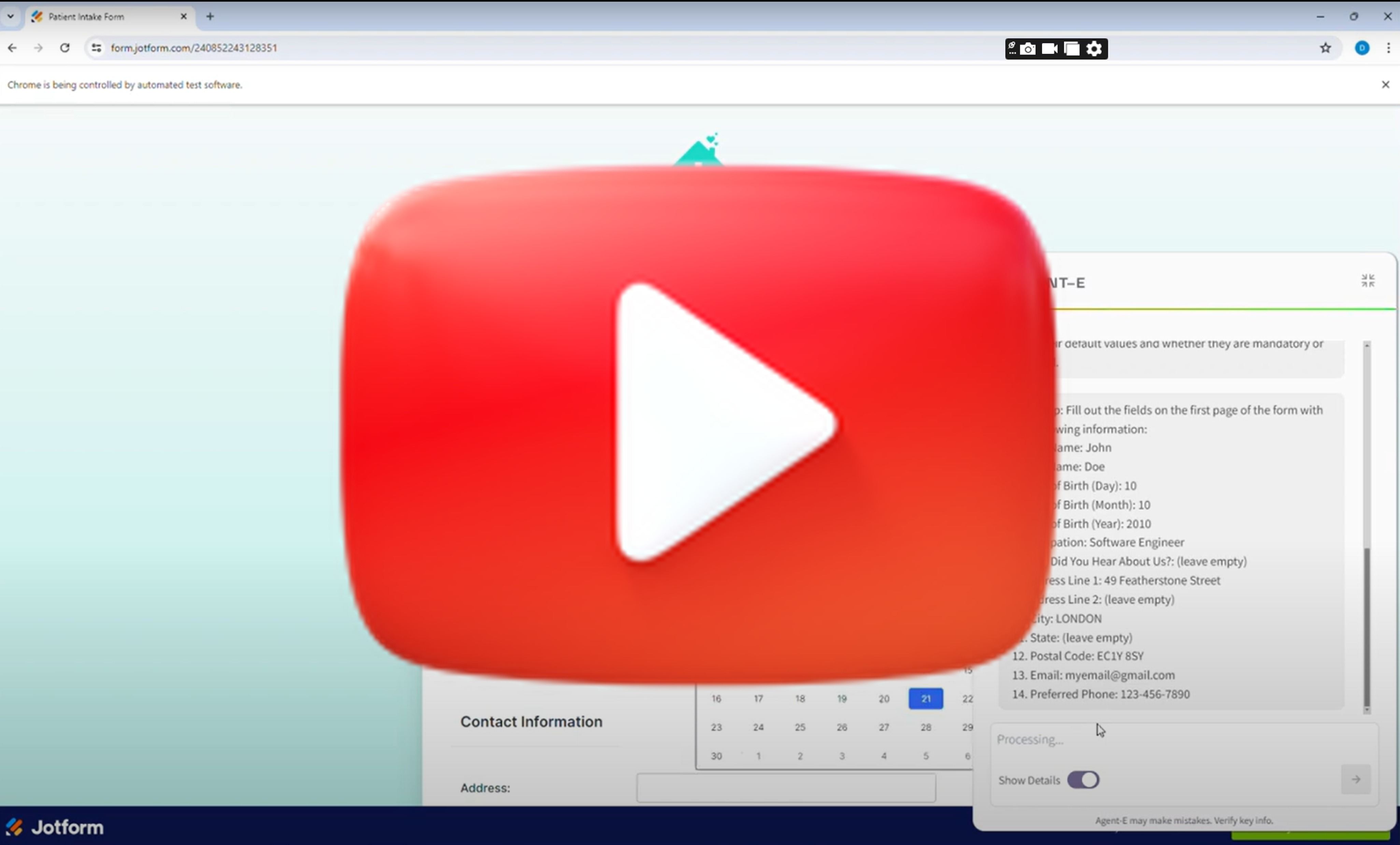
🎬 Agent-E Searches Youtube. · Emergence AI
✨ Key features
- Natural language control of browser actions
- Form filling and data extraction from websites
- Search and sort products on e-commerce sites
- Navigate and interact with web media like YouTube
- Comprehensive web searches for information gathering
- Automate tasks on project management platforms like JIRA
🎯 Use cases
- Automate form filling with personal or external data
- Search and sort products on Amazon by criteria
- Extract sports scores or contact information from websites
- Play YouTube videos and control playback settings
- Filter and manage JIRA issues via natural language
📦 Installation
🧰 Requirements: Python 3.10+ (3.11 recommended), an LLM API key (e.g., OpenAI), and optionally Google Chrome or Playwright drivers.
Quick Start Using Scripts
macOS/Linux:
./install.shFor Playwright support, use
./install.sh -p.Windows:
.\win_install.ps1For Playwright support, use
.\win_install.ps1 -p.
Manual Setup
Install
uv:- macOS/Linux:
curl -LsSf https://astral.sh/uv/install.sh | sh - Windows:
powershell -c "irm https://astral.sh/uv/install.ps1 | iex"
- macOS/Linux:
Create and activate virtual environment:
uv venv --python 3.11
source .venv/bin/activate  # On Windows: .venv\Scripts\activate
Install dependencies:
uv pip compile pyproject.toml -o requirements.txt
uv pip install -r requirements.txt
(Optional) Install Playwright drivers:
playwright installConfigure environment:
cp .env-example .envEdit
.envand setAUTOGEN_MODEL_NAMEandAUTOGEN_MODEL_API_KEY.
🚀 Usage
After setup, run Agent-E with:
python -m ae.main
For macOS, use python -u -m ae.main to avoid BlockingIOError.
Once running, click the icon in the browser to open a chat interface and enter commands like:
open youtube and search for funny cat videosfind iPhone 14 on Amazon and sort by best seller
⚠️ Good to know
Agent-E is still growing and focuses on browser automation; it does not handle PDF forms yet, and open-source model support is not thoroughly tested.
❓ FAQ
What LLM models are supported?
Agent-E works with OpenAI models like gpt-4-turbo by default, but also supports other models via base URL configuration and open-source models through LiteLLM and Ollama.
Can I use my local Chrome browser instead of Playwright?
Yes, set the BROWSER_STORAGE_DIR environment variable to the path of your Chrome profile (found at chrome://version/).
How do I run Agent-E programmatically?
You can launch the FastAPI server with uvicorn ae.server.api_routes:app --reload --loop asyncio and send POST requests to /execute_task with a command.
What are the default LLM parameters?
For gpt-* models, temperature defaults to 0.0, top_p to 0.001, and seed to 12345. For other models, temperature and top_p default to 0.1.
📊 Repository
🤖 Overview, features, install steps and FAQ were generated from the project's README on Sep 4, 2026. Always check the original source before running commands.