XAgent
XAgent is an open-source experimental autonomous agent driven by large language models that can automatically solve a wide range of tasks. It is designed for developers and researchers who want to build or use a general-purpose agent that can plan, execute, and collaborate with humans. It aims to create a super-intelligent agent capable of handling any given task.

🎬 Demo of XAgent - A General AI Agent beyond AutoGPT · OpenBMB
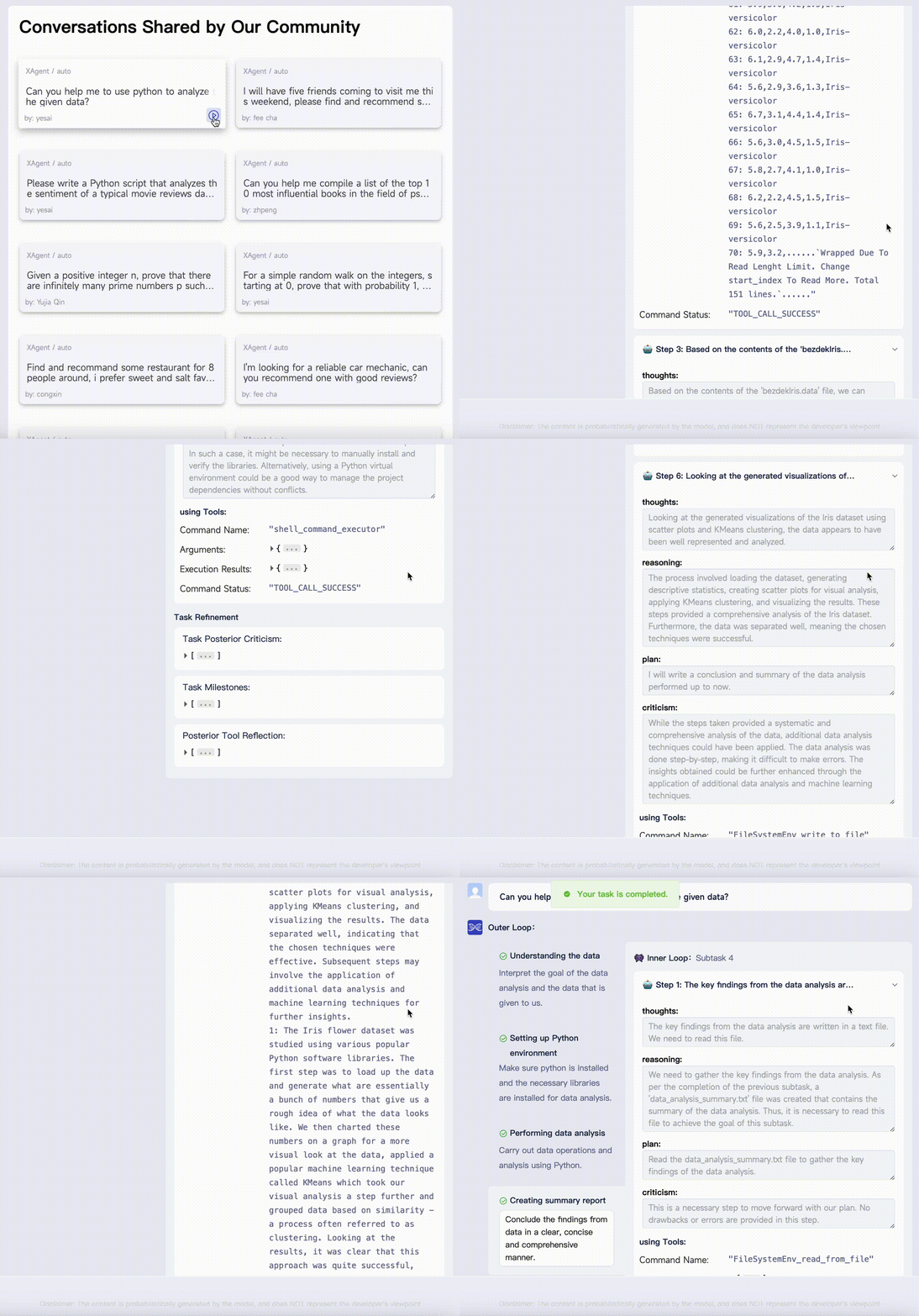
✨ Key features
- Autonomous task solving without human participation
- Safe execution inside a Docker container
- Extensible with new tools and agents
- GUI and command-line interfaces for interaction
- Human collaboration and assistance seeking
- Composed of Dispatcher, Planner, and Actor components
🎯 Use cases
- Data analysis with automatic code generation and report compilation
- Personalized recommendations by asking for user preferences
- Training machine learning models like BERT for sentiment analysis
- Search and report tasks, coding, and mathematical problem solving
📦 Installation
🧰 Requirements: Requires Python >= 3.10, Docker and Docker Compose, and at least one OpenAI API key (recommended gpt-4-32k or gpt-4, with gpt-3.5-turbo-16k as backup).
docker compose updocker compose build
docker compose uppip install -r requirements.txt🚀 Usage
python run.py --task "put your task here" --config-file "assets/config.yml"
⚠️ Good to know
XAgent is in early stages and not recommended for use with gpt-3.5-turbo due to minimal context length; it is experimental and under active improvement.
❓ FAQ
What are the system requirements to run XAgent?
You need Python >= 3.10, Docker and Docker Compose, and at least one OpenAI API key. It is recommended to use gpt-4-32k or gpt-4 for the main model and gpt-3.5-turbo-16k as a backup.
How can I interact with XAgent?
You can use the command-line interface by running python run.py with your task, or use the GUI by visiting http://localhost:5173 after starting the XAgent-Server container (default credentials: guest/xagent).
Can XAgent ask for human help?
Yes, XAgent has the capability to seek human assistance when it encounters challenges, as demonstrated in the recommendation case where it asked for user preferences.
How do I add new tools to XAgent?
You can easily add new tools to ToolServer to enhance XAgent's abilities, as stated in the README. The ToolServer is extensible and supports adding custom tools.
📊 Repository
🤖 Overview, features, install steps and FAQ were generated from the project's README on Sep 4, 2026. Always check the original source before running commands.