txtai
txtai is an all-in-one AI framework for semantic search, LLM orchestration, and language model workflows. It provides an embeddings database that combines vector indexes, graph networks, and relational databases to enable vector search and serve as a knowledge source for LLM applications. It is for developers building AI applications that require semantic search, RAG, agents, or multi-model workflows.

🎬 Introducing txtai · NeuML
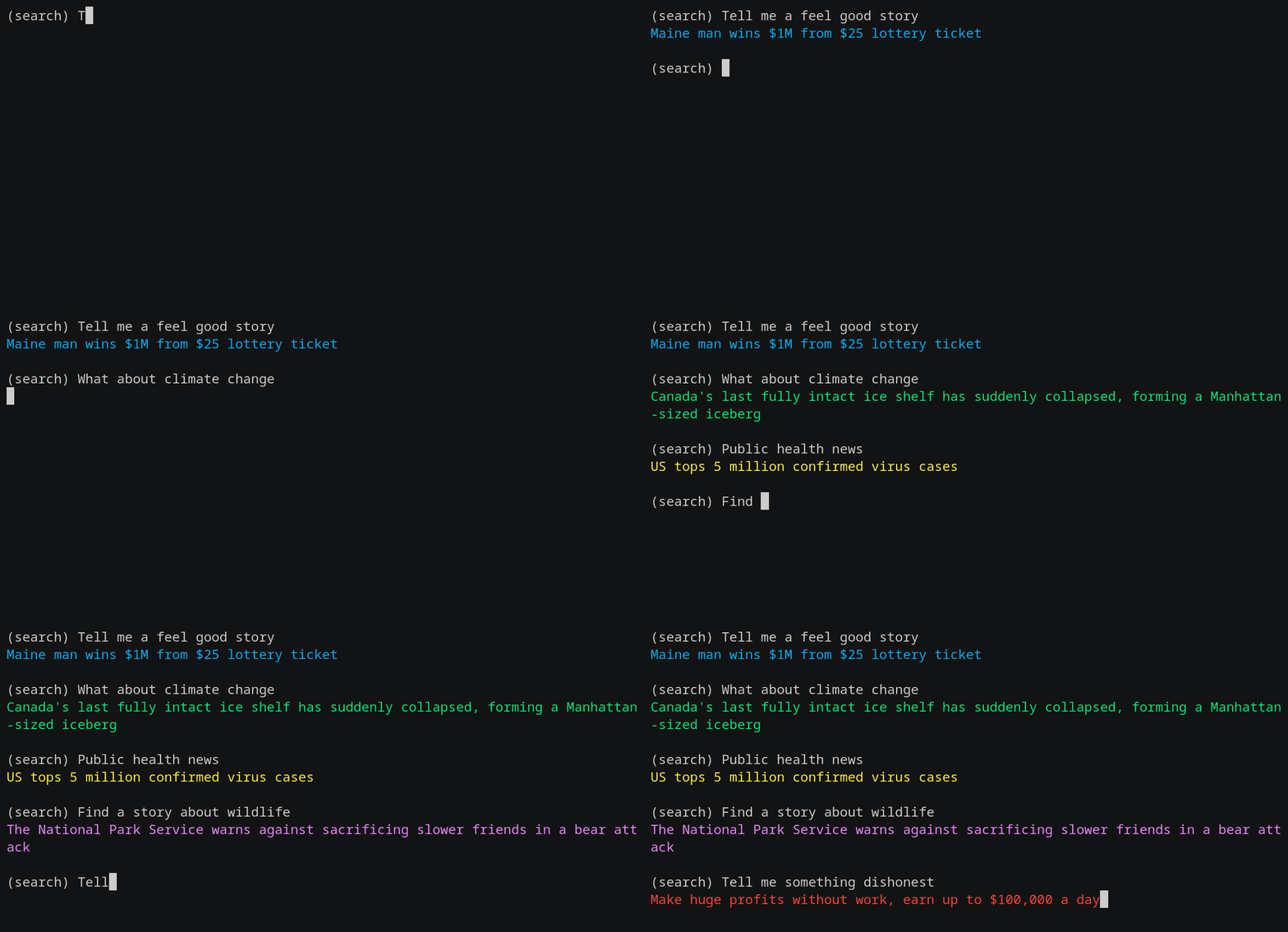
✨ Key features
- Vector search with SQL, object storage, topic modeling, graph analysis, and multimodal indexing.
- Create embeddings for text, documents, audio, images, and video.
- Pipelines for LLM prompts, QA, labeling, transcription, translation, summarization, and more.
- Workflows to join pipelines and aggregate business logic.
- Agents that connect embeddings, pipelines, workflows, and other agents.
- Web and MCP APIs with bindings for JavaScript, Java, Rust, and Go.
🎯 Use cases
- Build semantic search applications.
- Implement retrieval augmented generation (RAG) to chat with your data.
- Create autonomous agents that solve complex problems.
- Build language model workflows for tasks like summarization, transcription, and translation.
- Analyze knowledge graphs and run network analysis.
📦 Installation
🧰 Requirements: Python 3.10+ and pip. Optional dependencies for specific features; no API keys required for local use.
pip install txtai
🚀 Usage
import txtai

embeddings = txtai.Embeddings()
embeddings.index(["Correct", "Not what we hoped"])
embeddings.search("positive", 1)
#[(0, 0.29862046241760254)]
❓ FAQ
What is txtai?
txtai is an all-in-one AI framework for semantic search, LLM orchestration, and language model workflows, built around an embeddings database.
What are the main features?
It includes vector search, embeddings for multiple data types, pipelines, workflows, agents, and APIs with bindings for multiple languages.
How do I install txtai?
You can install it via pip with pip install txtai. Python 3.10+ is required.
Can I run txtai locally?
Yes, txtai can run locally without shipping data to remote services, and it supports models from micromodels to large language models.
📊 Repository
🤖 Overview, features, install steps and FAQ were generated from the project's README on Sep 4, 2026. Always check the original source before running commands.