Skyvern
Skyvern is an open-source tool that automates browser-based workflows using LLMs and computer vision, providing a Playwright-compatible SDK with AI-powered actions. It solves the problem of brittle, script-based browser automation that breaks with website layout changes, and is designed for developers and non-technical users who need to automate tasks on any website.
✨ Key features
- AI-powered page commands: act, extract, validate, prompt
- AI-augmented Playwright actions with natural language prompts
- Higher-level agent commands for complex tasks, login, downloads
- No-code workflow builder for non-technical users
- Runs on unseen websites without custom code
- Resistant to website layout changes
🎯 Use cases
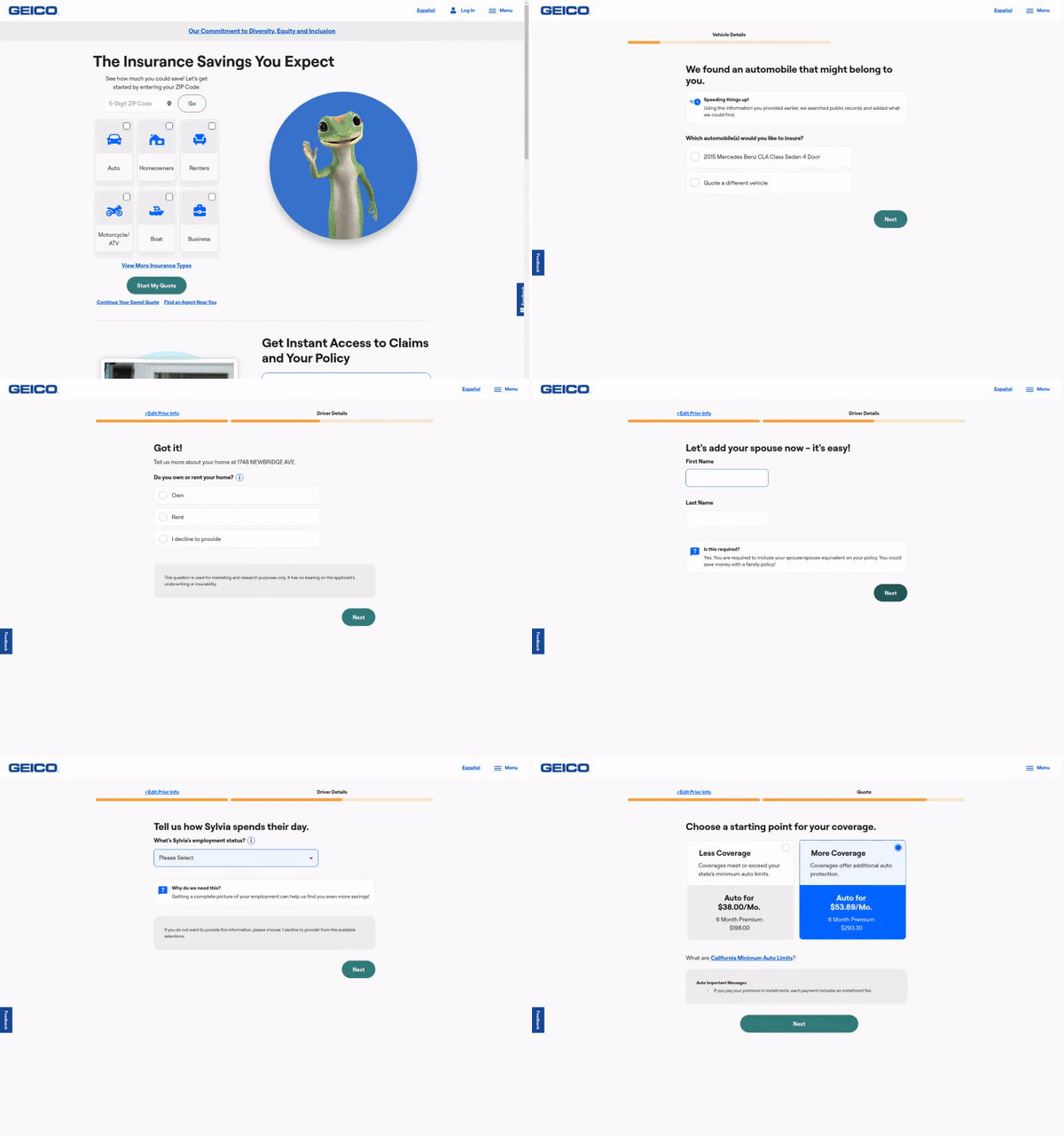
- Automating form filling and checkout on e-commerce sites
- Extracting structured data from web pages
- Performing multi-step tasks like downloading invoices
- Automating login and authenticated workflows
- Building browser automation workflows without code
📦 Installation
🧰 Requirements: Python 3.11-3.13 or Node.js for TypeScript SDK; LLM API key required for local setup; Docker optional for containerized deployment.
pip install "skyvern[all]"
For Docker Compose:
git clone https://github.com/skyvern-ai/skyvern.git && cd skyvern
cp .env.example .env  # edit to add LLM API key
docker compose up -d
For TypeScript SDK: npm install @skyvern/client
🚀 Usage
from skyvern import Skyvern

skyvern = Skyvern()
task = await skyvern.run_task(prompt="Find the top post on hackernews today")
print(task)
❓ FAQ
What are the system requirements for running Skyvern locally?
You need Python 3.11, 3.12, or 3.13. On Windows, you also need Rust and VS Code with C++ dev tools and Windows SDK.
How do I connect Skyvern to my existing Chrome browser?
Enable remote debugging in Chrome at chrome://inspect/#remote-debugging, then set BROWSER_TYPE=cdp-connect and BROWSER_REMOTE_DEBUGGING_URL=http://127.0.0.1:9222 in your .env file, or pass browser_address to the Skyvern constructor.
Can I use Skyvern Cloud with my local browser?
Yes, you can run skyvern browser serve --tunnel to create a tunnel and pass the tunnel URL as browser_address to run tasks via Skyvern Cloud.
How do I get a consistent output schema from my task runs?
Add the data_extraction_schema parameter to run_task with a JSON schema describing the expected output.
📊 Repository
🤖 Overview, features, install steps and FAQ were generated from the project's README on Sep 4, 2026. Always check the original source before running commands.