Ouroboros
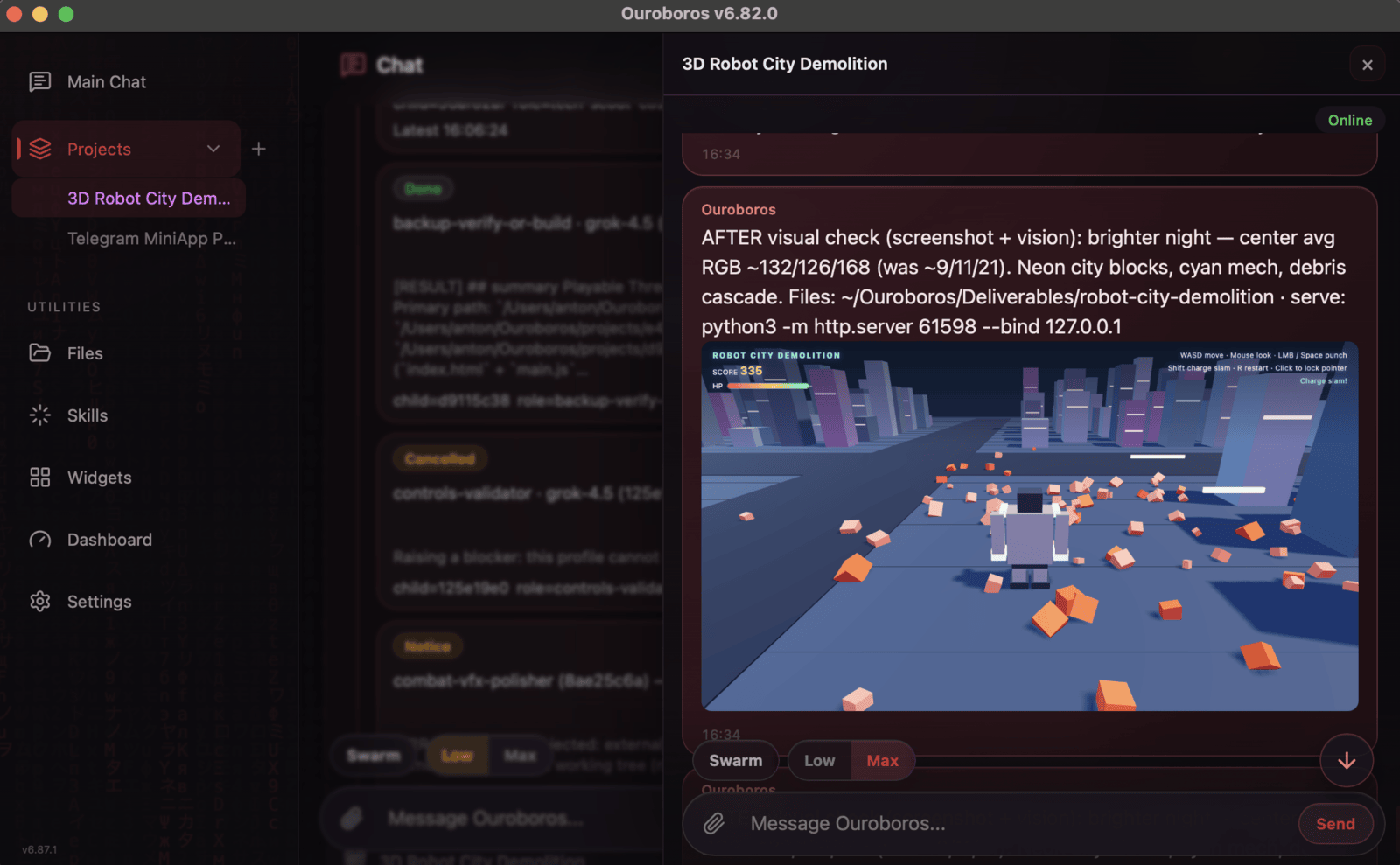
Ouroboros is an open-source, general-purpose AI agent that maintains its identity, memory, and history across tasks and restarts. It can work on external projects, coordinate a swarm of specialist agents, and even modify its own implementation, including code, architecture, prompts, and dependencies. It is designed for developers and users who need a persistent, self-evolving AI agent that runs as a desktop app or headless CLI.
✨ Key features
- Self-modifying: can rewrite its own code, architecture, prompts, tools, and dependencies.
- Persistent memory and identity across tasks and restarts.
- Coordinates a live swarm of specialist agents for parallel work.
- Works on external projects with a separate Git workspace.
- Runs as native desktop app or headless CLI.
- Supports remote model APIs or local GGUF models.
🎯 Use cases
- Automating complex software development tasks with a persistent agent.
- Running long-term autonomous projects that require memory and continuity.
- Delegating coding tasks to a swarm of specialist agents.
- Self-improving the agent's own capabilities and architecture.
- Integrating with external repositories and CI/CD workflows.
📦 Installation
🧰 Requirements: Runs on macOS 12+ (Apple silicon), Windows x64, or Linux x86_64. Requires Git for Linux AppImage. Configure at least one remote provider API key or a local GGUF model for tasks.
Download
- macOS: Download .dmg, open, drag Ouroboros.app to Applications.
- Windows: Download .zip, extract, run Ouroboros.exe.
- Linux: Use .deb, .rpm, AppImage, or tar.gz.
For Debian/Ubuntu: sudo apt install ./ouroboros_*_amd64.deb
For Fedora/RHEL: sudo dnf install ./ouroboros-*.x86_64.rpm
For AppImage: chmod +x Ouroboros-*.AppImage and run.
Optional CLI installer included in desktop packages.
Headless CLI with uv:
uv tool install --from git+https://github.com/razzant/ouroboros
🚀 Usage
After installation, run the app or CLI. First-run wizard guides model access, review policy, and budget setup. For CLI, use ouroboros command. Example:
ouroboros status
⚠️ Good to know
Benchmark results are self-reported and some submissions are still open. The project is in active development and may have evolving architecture.
❓ FAQ
Do I need to install Python or uv to use Ouroboros?
No, the desktop downloads are self-contained. Python or uv are only needed for the headless CLI installation via uv.
Can Ouroboros use local models?
Yes, it supports local GGUF models in addition to remote provider APIs.
How does Ouroboros maintain continuity across restarts?
It keeps its repository, durable memory, history, and interface on your machine, preserving identity and history.
Can Ouroboros modify its own code?
Yes, it can rewrite its implementation, including code, architecture, prompts, tools, and dependencies, with review and Git history.
📊 Repository
🤖 Overview, features, install steps and FAQ were generated from the project's README on Sep 4, 2026. Always check the original source before running commands.