LangChain
LangChain is a framework for building agents and LLM-powered applications. It provides standard interfaces for models, embeddings, vector stores, and more, enabling developers to chain interoperable components and integrate with third-party services. It is designed for developers creating AI applications who need flexibility, rapid prototyping, and production-ready features.
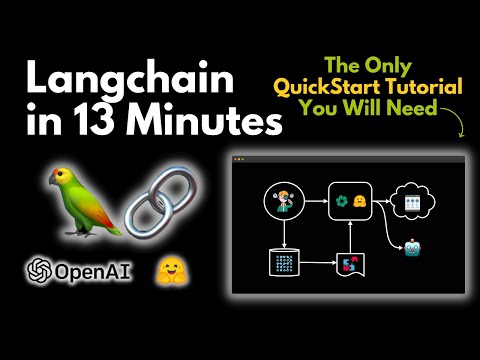
🎬 LangChain Explained in 13 Minutes | QuickStart Tutorial for Beginners · Rabbitmetrics
✨ Key features
- Standard interface for models, embeddings, vector stores
- Vast library of integrations with providers and tools
- Model interoperability: swap models easily
- Modular, component-based architecture for rapid prototyping
- Built-in support for monitoring, evaluation, debugging via LangSmith
- Flexible abstraction layers from high-level chains to low-level components
🎯 Use cases
- Build LLM-powered applications with real-time data augmentation
- Create agents that can plan, use subagents, and leverage file systems
- Prototype and iterate on AI application workflows quickly
- Develop production-ready AI applications with observability and evals
📦 Installation
🧰 Requirements: Python environment; API keys for model providers (e.g., OpenAI) may be required depending on usage.
uv add langchain
🚀 Usage
from langchain.chat_models import init_chat_model

model = init_chat_model("openai:gpt-5.5")
result = model.invoke("Hello, world!")
❓ FAQ
How do I install LangChain?
Use the package manager uv: run uv add langchain.
Can I use LangChain with JavaScript?
Yes, there is an equivalent JS/TS library called LangChain.js.
What is the relationship between LangChain and LangGraph?
LangGraph is a separate framework for building controllable agent workflows, and LangChain can be used with it for advanced orchestration.
Is there a tool for debugging and monitoring LLM applications?
Yes, LangSmith provides agent evals, observability, and debugging for LLM apps.
📊 Repository
🤖 Overview, features, install steps and FAQ were generated from the project's README on Sep 4, 2026. Always check the original source before running commands.