Label Studio
Label Studio is an open source data labeling tool that provides a simple UI for labeling audio, text, images, videos, and time series. It helps prepare raw data or improve existing training data to build more accurate ML models. It is designed for developers and data scientists who need to create labeled datasets for machine learning.
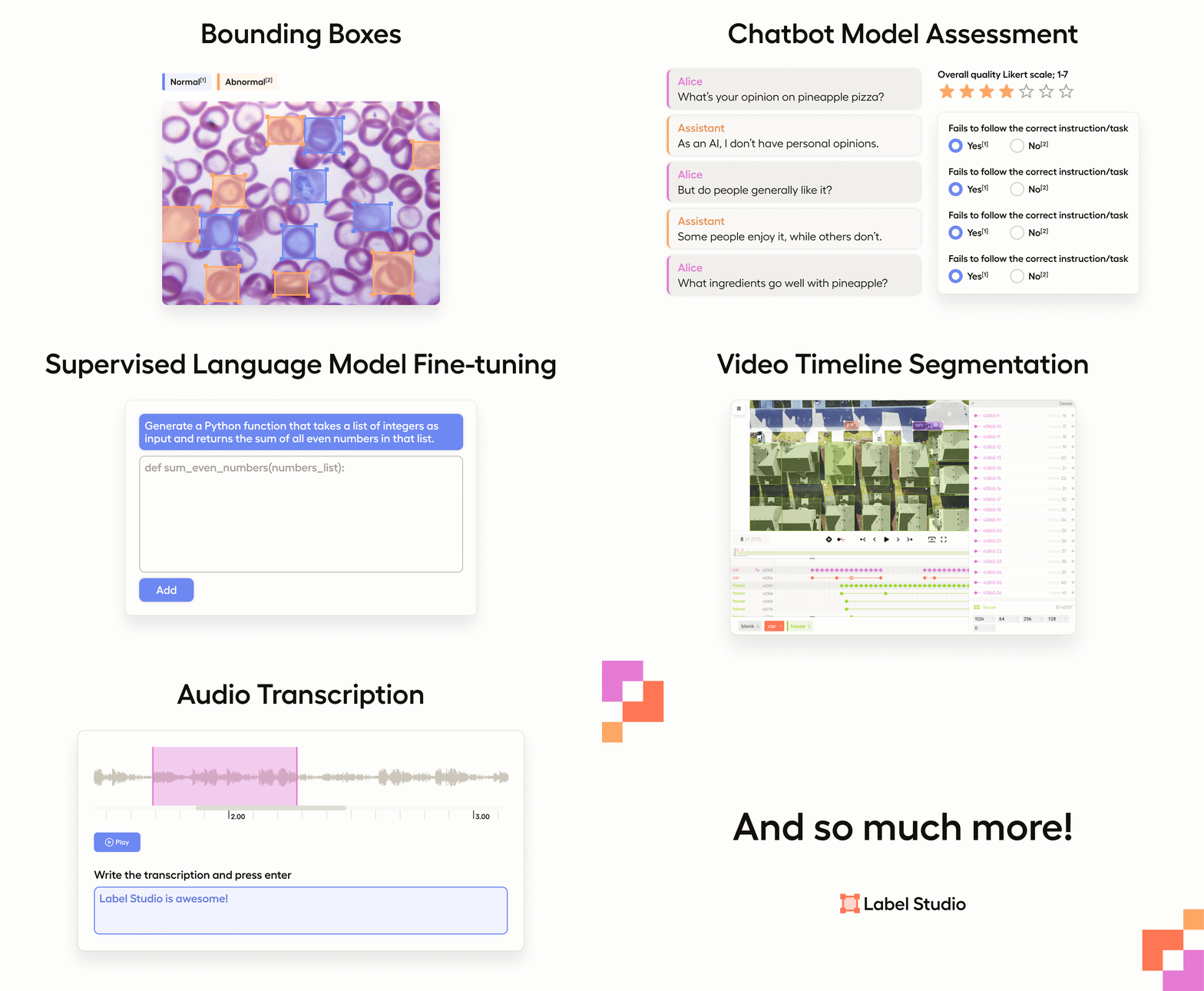
✨ Key features
- Multi-user labeling with sign up and login
- Supports images, audio, text, HTML, time-series, video
- Import from files or cloud storage (S3, GCS, etc.)
- Integration with ML models for pre-labeling and active learning
- REST API for embedding in data pipelines
- Configurable label formats and templates
🎯 Use cases
- Labeling images for object detection or classification
- Annotating text for NLP tasks like sentiment analysis
- Pre-labeling data with model predictions to speed up annotation
- Creating training data for time-series forecasting
- Improving existing datasets for model retraining
📦 Installation
🧰 Requirements: Python >=3.10 for pip install, or Docker; no API keys required for local use.
Install locally with Docker
docker pull heartexlabs/label-studio:latest
docker run -it -p 8080:8080 -v $(pwd)/mydata:/label-studio/data heartexlabs/label-studio:latest
Install locally with pip
pip install label-studiolabel-studioInstall locally with Anaconda
conda create --name label-studio
conda activate label-studio
conda install psycopg2
pip install label-studio
🚀 Usage
After installation, start the server with label-studio and access it at http://localhost:8080. For Docker, run the container as shown in the install section and open the same URL.
❓ FAQ
What data types can I label?
Label Studio supports audio, text, images, videos, and time series data.
Can I integrate machine learning models?
Yes, you can connect ML models using the Label Studio ML SDK to enable pre-labeling, online learning, and active learning.
How do I import data?
You can import files from your computer or from cloud storage like Amazon S3, Google Cloud Storage, or in formats like JSON, CSV, TSV, RAR, and ZIP.
Is there a cloud version?
Yes, you can sign up for a free trial of the Starter Cloud edition, or deploy Label Studio on Heroku, Azure, or GCP.
📊 Repository
🤖 Overview, features, install steps and FAQ were generated from the project's README on Sep 4, 2026. Always check the original source before running commands.