FastGPT
FastGPT is an AI Agent building platform that provides out-of-the-box data processing and model invocation capabilities, and enables complex application scenarios through Flow-based visual workflow orchestration. It is for developers who want to build and deploy AI agents and knowledge base applications.
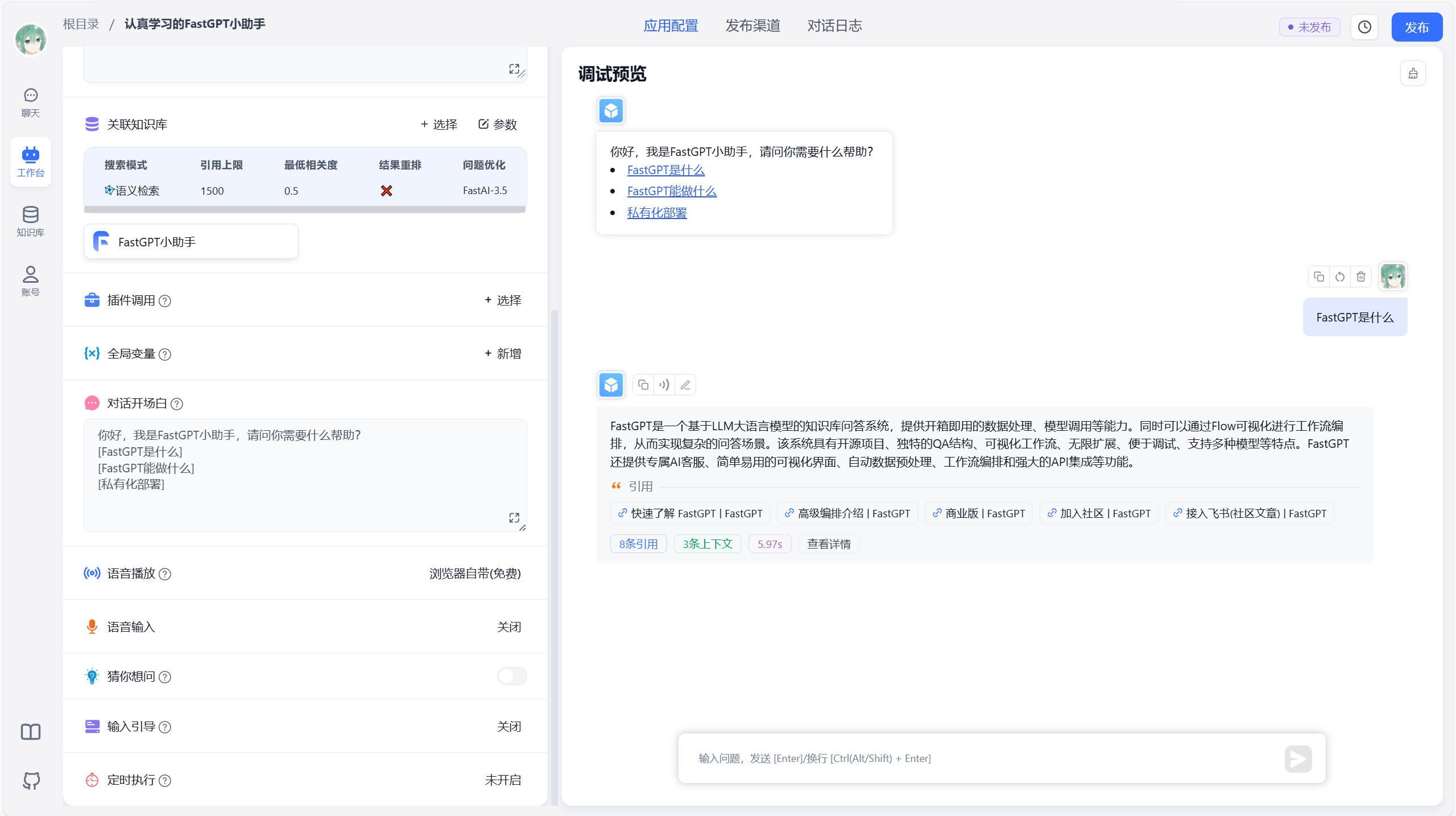
✨ Key features
- Agent Skill orchestration and workflow editing
- Visual workflow with RPA nodes and user interaction
- Knowledge base with multi-library reuse and mixed retrieval
- Supports multiple file formats and URL import
- Plugin system with system tool hot updates
- Operations features like shareable windows and iframe embedding
🎯 Use cases
- Build conversational AI agents with custom workflows
- Create knowledge base applications with document ingestion and retrieval
- Develop plugins to extend agent capabilities
- Deploy AI applications with Docker or Sealos Cloud
- Integrate AI agents into websites via iframe
📦 Installation
🧰 Requirements: Docker is required for self-hosting; cloud service available at fastgpt.io.
bash <(curl -fsSL https://doc.fastgpt.io/deploy/install.sh)docker compose up -d🚀 Usage
After installation, access FastGPT at http://localhost:3000 with default account root and password 1234.
⚠️ Good to know
The project is under FastGPT Open Source License; commercial use as a backend service is allowed but providing SaaS is not permitted without commercial authorization.
❓ FAQ
How do I start FastGPT quickly?
Run the provided bash script to pull configuration and then use docker compose up -d to start. Access at localhost:3000.
What are the default login credentials?
Default account is root and password is 1234.
Can I use FastGPT without self-hosting?
Yes, you can use the cloud service version at fastgpt.io.
What file formats are supported for knowledge base import?
TXT, MD, HTML, PDF, Docx, PPTX, CSV, XLSX, and URL reading are supported.
📊 Repository
🤖 Overview, features, install steps and FAQ were generated from the project's README on Sep 4, 2026. Always check the original source before running commands.