Claude Code
Claude Code is an agentic coding tool that runs in your terminal, understands your codebase, and helps you code faster by executing routine tasks, explaining complex code, and handling git workflows through natural language commands. It is for developers who want to use AI assistance directly in their development environment.
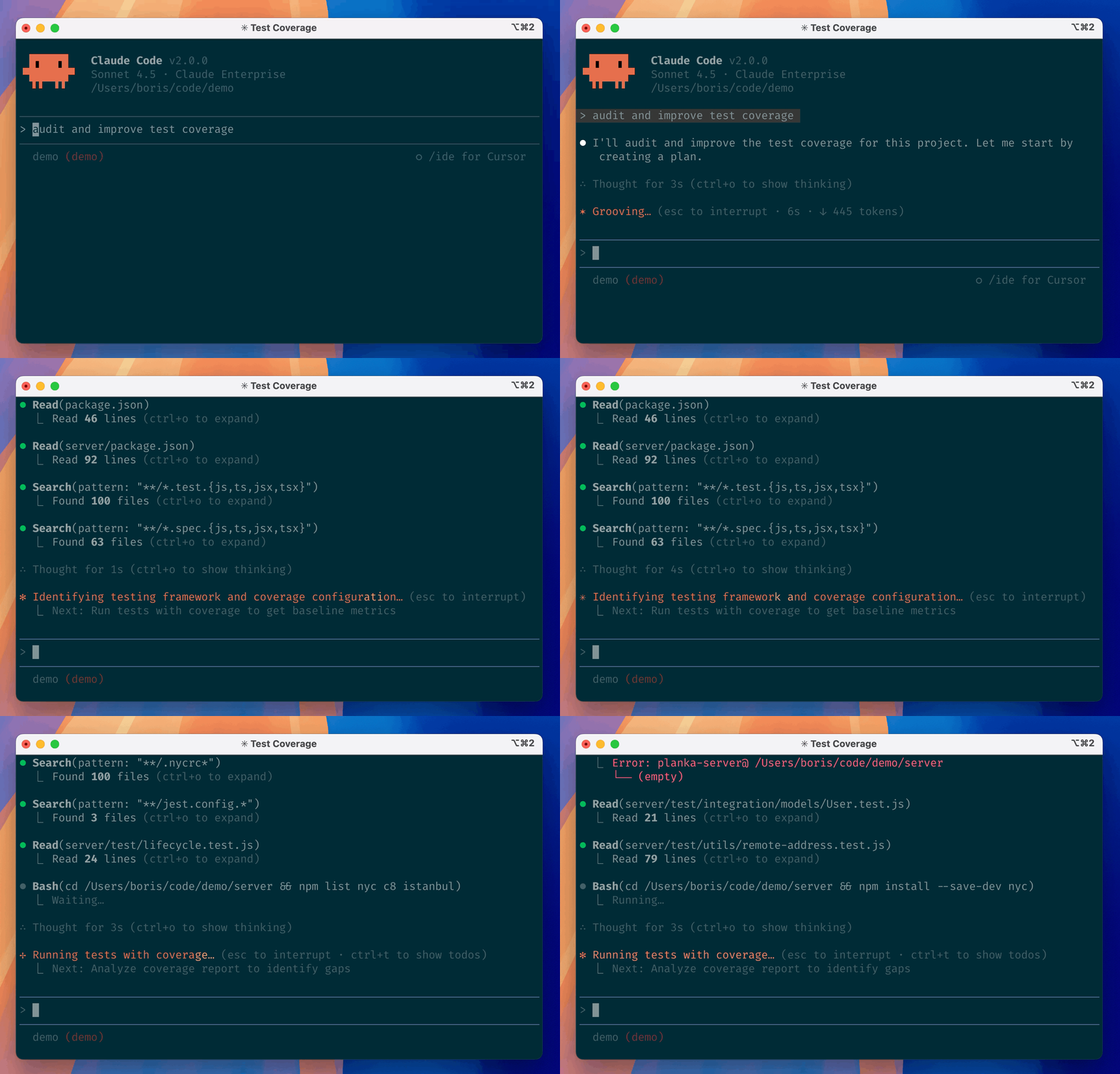
✨ Key features
- Executes routine coding tasks via natural language
- Explains complex code in your codebase
- Handles git workflows with simple commands
- Works in terminal, IDE, or GitHub via @claude
- Extensible with plugins for custom commands and agents
🎯 Use cases
- Automate repetitive coding tasks like refactoring or boilerplate generation
- Understand unfamiliar codebases by asking questions in plain English
- Manage git operations such as commits, branches, and merges via chat
- Integrate AI assistance into your IDE or GitHub workflow
📦 Installation
🧰 Requirements: Requires macOS, Linux, or Windows; no API key mentioned in README.
MacOS/Linux (Recommended)
curl -fsSL https://claude.ai/install.sh | bash
Homebrew (MacOS/Linux)
brew install --cask claude-code
Windows (Recommended)
irm https://claude.ai/install.ps1 | iex
WinGet (Windows)
winget install Anthropic.ClaudeCode
NPM (Deprecated)
npm install -g @anthropic-ai/claude-code
🚀 Usage
Navigate to your project directory and run claude.
⚠️ Good to know
Installation via npm is deprecated; use recommended methods instead.
❓ FAQ
How do I install Claude Code on macOS?
You can use the recommended curl command or Homebrew: curl -fsSL https://claude.ai/install.sh | bash or brew install --cask claude-code.
Is npm installation supported?
No, npm installation is deprecated. Use the recommended methods for your OS.
Can I use Claude Code in my IDE?
Yes, Claude Code can be used in your terminal, IDE, or on GitHub by tagging @claude.
How do I report a bug?
Use the /bug command within Claude Code or file a GitHub issue at https://github.com/anthropics/claude-code/issues.
📊 Repository
🤖 Overview, features, install steps and FAQ were generated from the project's README on Sep 4, 2026. Always check the original source before running commands.