Agentify
Agentify is a command-line tool that reads an OpenAPI specification and generates agent interface files such as MCP servers, CLAUDE.md, AGENTS.md, and more. It solves the problem of manually creating and maintaining multiple agent-specific files for AI tools. It is for developers who want to make their APIs accessible to AI agents.
✨ Key features
- Generates up to 9 formats from one OpenAPI spec
- Supports Swagger 2.0 and OpenAPI 3.x
- Auto-detects auth, domains, and API scale
- Security scan on all generated code
- Handles non-compliant specs with normalization
- Pluggable emitter interface for custom formats
🎯 Use cases
- Generate an MCP server for Claude or ChatGPT
- Create CLAUDE.md and AGENTS.md for coding agents
- Produce a standalone CLI tool from an API spec
- Generate .cursorrules for Cursor IDE
- Create llms.txt for LLM search engines
📦 Installation
🧰 Requirements: Node.js (npx) and an OpenAPI spec (URL or file). No API keys required.
No installation required. Run via npx:
npx agentify-cli transform <spec>
🚀 Usage
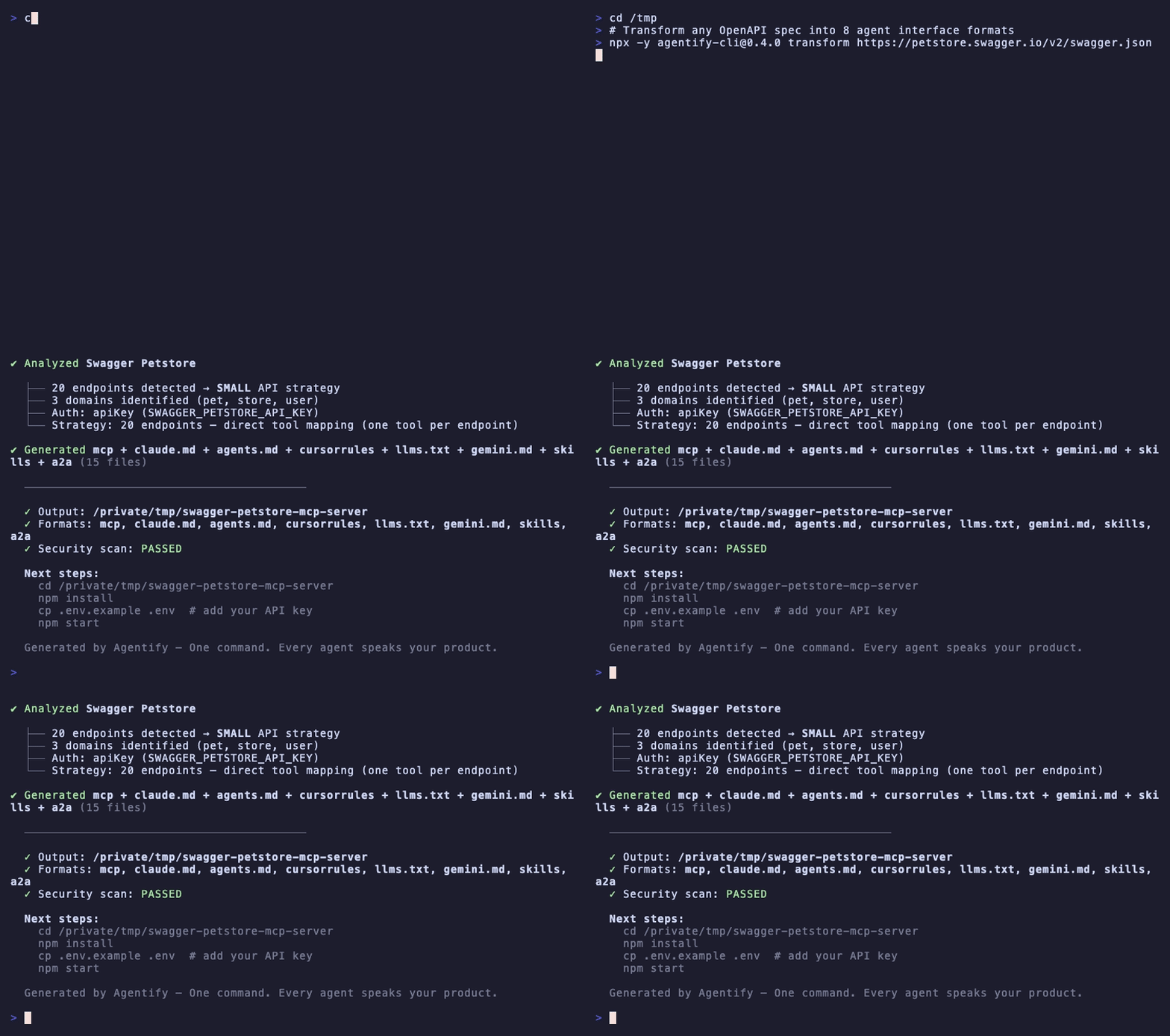
npx agentify-cli transform https://petstore.swagger.io/v2/swagger.json
This generates all default formats into an output directory.
⚠️ Good to know
Early stage; capability graph, semantic grouping, web UI, and custom emitter plugins are not yet implemented.
❓ FAQ
What OpenAPI versions are supported?
Swagger 2.0 and OpenAPI 3.x are supported.
Can I generate only specific formats?
Yes, use the -f flag to specify formats, e.g., -f mcp claude.md agents.md.
Does it work with large APIs?
It has been tested on APIs up to 1,093 endpoints (GitHub REST API) and produces working servers.
What if my spec is non-compliant?
Non-compliant specs are auto-normalized with warnings instead of being rejected.
📊 Repository
🤖 Overview, features, install steps and FAQ were generated from the project's README on Sep 4, 2026. Always check the original source before running commands.